- Content Production
10 July 2026
From SEO to GEO: marketing in the AI-first era
As part of our whitepaper ‘The vision of 27 marketers and content creators for 2026’, we asked search marketeer Pieter...
There is no topic in the world that doesn’t already have a podcast. The medium is truly everywhere. It’s also a relatively affordable way to convey a message. However, not every podcast is equally well-made. How do you get started? Below, you will find five important steps for creating a quality podcast!
Usually, you start with a vague idea for a podcast. It is important to focus on a few targeted questions. Who are you making this podcast for? What topics should be covered? In what style do you want to work? How many episodes will your series have? How long should they last? The answers to these questions are crucial for the rest of your creation process. To maintain your intended focus, it’s best to keep them in mind. This way, you avoid a chaotic final result.
The next step is a detailed preparation. This will look different for every podcast. For instance, if you want to work with interviews, you might choose to have a pre-conversation. In this pre-conversation, you can already ask some targeted questions and immediately hear if you have a smooth talker. A script can also be useful. It doesn’t have to be a rigid document you can’t deviate from. But it helps to have an idea of how to structure your episodes, what focus you want for each interview, where to place jingles, how your voice-overs should sound, etc.
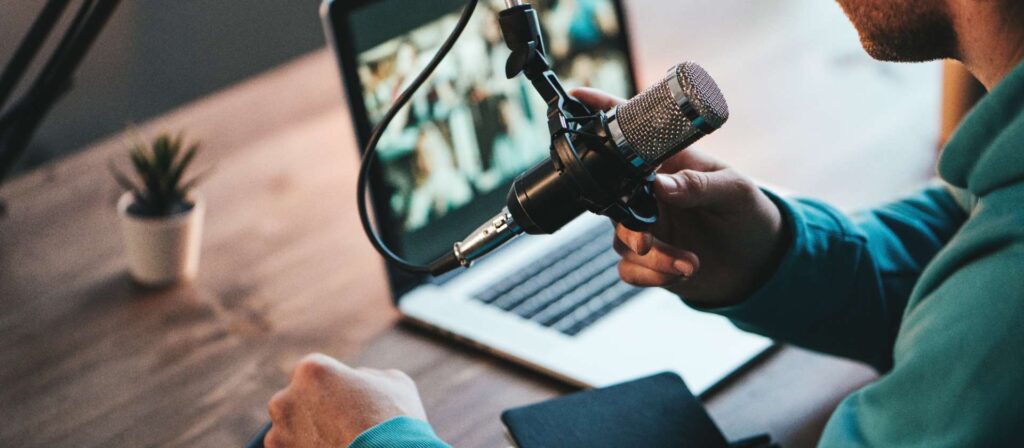
The microphone you use largely determines the quality of your podcast. Are you looking for an affordable but versatile device? Then a Zoom H4n Pro or H5 is ideal. If you have the budget for the crème de la crème of podcast microphones, then the Shure SM7B is the way to go. In addition to a microphone, you can purchase other essentials. For instance, a stand prevents you from having to hold the microphone all the time, and a pop filter prevents annoying noises caused by air movement. A quality headset is also a worthwile investment.
Posting your recordings online in their entirety? That’s not a good idea. Usually, you keep the best parts of your interview and cut out what you don’t need. It’s also best to remove disturbing factors like repeated “um” sounds or mouth noises from your editing. Do you want to take your podcast to the next level? Then you can create a custom intro and outro and add jingles. By including these elements in every episode, you provide an anchor for your listener. There are many editing programs on the market. Audacity and GarageBand (Apple only) are free programs for basic editing. Adobe Audition, Reaper, and ProTools are a few paid but more complex examples.
There you go, your podcast is finished! Now you need to ensure your intended audience can listen to your work. Therefore, upload your podcast to various platforms like Spotify, Apple Podcasts, Soundcloud, etc. Additionally, promote your work on social media to reach as many people as possible. To make your podcast visually appealing as well, pay attention to show art. The picture you see with each episode, the title, and the description of your work: these are all elements that can make a difference for a listener.


